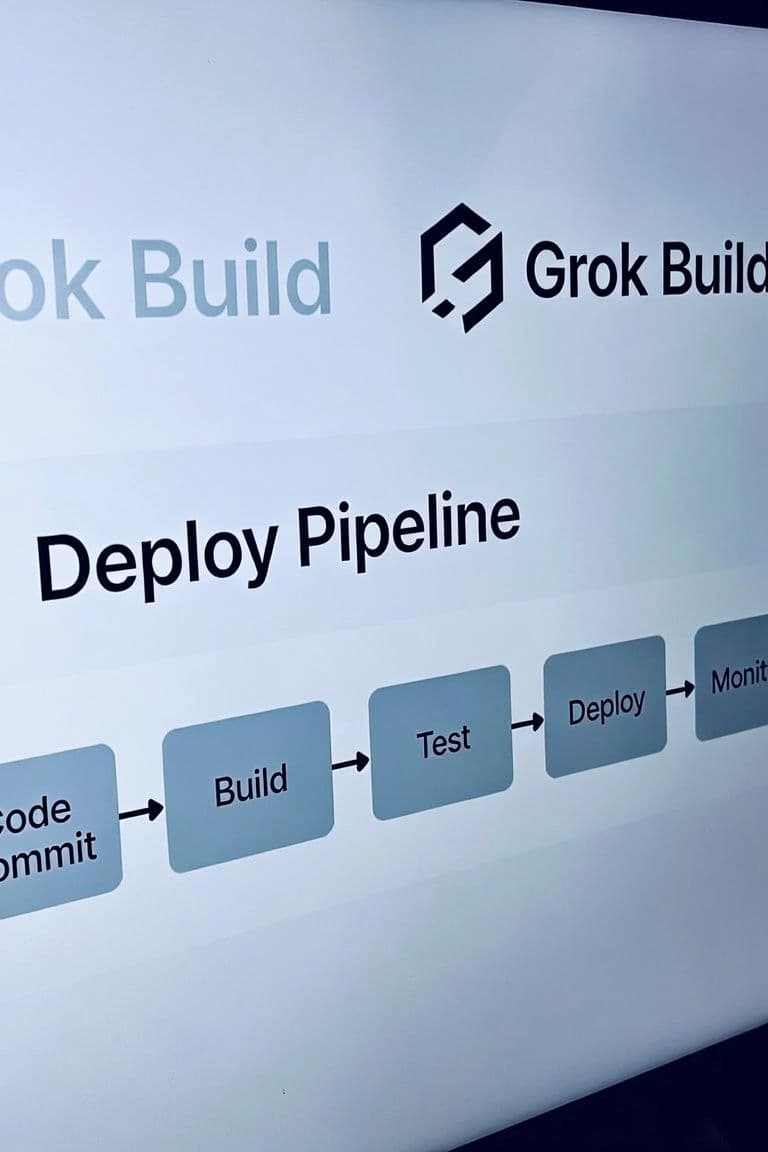
Grok Build 101: How to Build a CI/CD Pipeline and Guardrails
- Published
- Category
- Tags
This article explains how to integrate GitHub and Vercel with Grok Build development to create a build pipeline that runs CI tests and performs automatic deployments. It also covers guardrail settings to prevent AI from making unintended operations.
Problems with Manual Deployment
In the previous article, we used Grok Build from Visual Studio to build a simple app and deployed it to Vercel using the vercel command.
In real development, the work doesn’t end there. You need to respond to user feedback and fix bugs that are discovered. You could rebuild an improved version with Grok Build, test it, and deploy it again with the vercel command just like before, but the following issues arise:
- The number of test cases grows, and testing takes longer.
- As the number of test cases increases, the chance of missing tests also rises.
- As a result, the risk of deploying a version that contains bugs becomes higher.
To reduce these risks, we build a deployment pipeline.
What Is a Build Pipeline?
In the previous article, after Grok Build generated the code, we ran the vercel command to deploy to Vercel. Automating this entire series of steps is what a build pipeline does.
Here we use GitHub.
We prepare two branches on GitHub: master and feature/dev. Commits or merges to feature/dev deploy to Vercel’s Preview environment (for internal review), while commits or merges to master deploy to Vercel’s Production environment (the public version).
Ensuring Quality with CI
Simply automating deployment is meaningless if the code itself doesn’t work. We introduce a mechanism that runs predefined tests after code is committed to GitHub and stops the deployment if the tests fail. This is CI (Continuous Integration).
Ensuring Safety with Guardrails
Grok Build is an agent. That means it can execute any command the user can run. Of course, you can instruct it in the prompt not to touch the master branch, but you can’t completely rule out the possibility that it might somehow commit to master on its own. In the worst case, it might even delete the entire master branch.
To eliminate the possibility of such “accidents,” we take the following measures:
- Prohibit operations on the
masterbranch via git commands - Create Pull Requests from the GitHub web UI and handle merging via “Merge PR”
- In the repository's Settings -> Rulesets, create a new rule set.
- Ruleset Name = Require a pull request before merging
- Require a pull request before merging = On
- Required approvals = 0
If multiple people are developing, you can also add rules such as requiring reviews.
GitHub / Vercel Setup
Let’s work based on the project we built last time.
Prerequisites
- You need a GitHub account. Create one if you don’t have one yet.
- You need a Vercel account. Refer to the previous article.
Steps
Perform the following steps manually.
1. Create a GitHub repository
- Leave the contents empty.
- Add a README = off
- .gitignore = off
- license = off
- Visibility: Private
- Name it whatever you like. The author used
powerball_fortune.
2. Create a .gitignore file
```
# Dependencies
node_modules/

# Environment & secrets
.env
.env.*
!.env.example

# Vercel CLI link (local project binding)
.vercel/

# Playwright
/test-results/
/playwright-report/
/blob-report/
/playwright/.cache/

# Logs & debug
logs/
*.log
npm-debug.log*
yarn-debug.log*
yarn-error.log*

# Coverage / tooling
coverage/
.nyc_output/

# OS
.DS_Store
Thumbs.db
Desktop.ini

# Editors / IDE
.idea/
.vscode/*
!.vscode/extensions.json
!.vscode/settings.json
*.swp
*.swo
*~

# Optional local notes
*.local
```
3. Run the following from the Grok Build environment
git init
git branch -M master

git add .
git commit -m "Initial commit"

git checkout -b feature/dev
git checkout master

git remote add origin https://github.com/<user>/<repo>.git
git push -u origin master
git push -u origin feature/dev
4. Confirm the default branch on GitHub
- Go to GitHub → the target repository → Settings → General → Default branch
- Confirm it is set to
master(change it tomasterif it is not).
5. Connect the existing Vercel project to GitHub
Link the project you already deployed via CLI to the same GitHub repository.
5-1 Connect the repository
- Open Vercel Dashboard → open the existing project
- Settings → Git
- Connect Git Repository (or Connect)
- Select GitHub and, if prompted for permissions, allow access to the target repository (or Organization)
- Select the repository you created and connect it
- If it doesn’t appear in the list: Check GitHub’s Settings → Applications → Installed GitHub Apps → Vercel to confirm the repository is included in the repository access.
5-2 Production Branch
- In the same Settings → Git (or Environments / project Git settings)
- Set Production Branch to master
- The default is sometimes
main, so always check.
- The default is sometimes
5-3 Build settings (static site)
- Settings → General (or Build & Development Settings):
| Item | Recommended value |
|---|---|
| Framework Preset | Other |
| Build Command | Empty (or disabled) |
| Output Directory | Empty / . (root is static files) |
| Install Command | Empty is fine (no dependencies) |
| Root Directory | ./ |
6. Verify deployment behavior
6-1 Preview (feature/dev)
git checkout feature/dev
# Make a small change (e.g., add one line to README) and commit
git add .
git commit -m "chore: verify preview deploy"
git push origin feature/dev- Vercel Dashboard → Deployments
- Confirm that the
feature/devdeployment succeeds as Preview - Open the Preview URL in a browser and confirm the app is displayed
6-2 Production (master)
- On GitHub, create a Pull Request from
feature/dev→master - Confirm that Vercel adds a Preview comment / checks to the PR
- You yourself merge the PR
- Confirm that a Production deployment runs on Vercel and the production URL is updated
Practical Section
Preview
Let’s use this build pipeline to modify the app we developed last time. Run the following prompt in Plan mode:
# 20260730

## I want to make the following modifications.

1. Make it possible to read fortunes for Megamillions as well as Powerball
- Tab switching is sufficient
1. Make it possible to switch between Japanese and English
- Place Japanese and American flags in the upper right of the screen and use them as a switch

## Adding CI

1. Run Unit Tests
- Use a design that leverages dependency injection so it is easy to mock
- Add English comments to each test explaining what is being tested

1. Run e2e Tests
- Use Playwright
- Pay attention on the implementation side so that selectors are easy to specify
- Add English comments to each test explaining what is being tested

1. Add the above tests as CI in the GitHub workflow

1. If the local e2e tests pass, commit to feature/dev


Create a plan for this.
If everything goes well, a new version of the app should be deployed to Vercel’s Preview environment.
Production
After confirming that the Preview version works as expected, deploy it to Production.
- Open the repository on GitHub
- Click Pull requests in the header menu
- Click the green New pull request button
- Set base:
master← compare:feature/dev - Click the green Create pull request button
- Set the Title to “First Production” and click the green Create pull request button
- Wait for the CI tests to finish
- Click the green Merge pull request button
- Click the green Confirm merge button
The new version should now be live on Vercel’s production environment.
Continuous Improvement
When you actually run it, bugs will appear. In the author’s case, the problem “When run on an iPhone, the numbers are misaligned and hard to read” occurred.
In such cases, click the + icon in the Grok chat window, upload a screenshot, and run a prompt like this in Plan mode:
“When run from a mobile phone, the numbers are sometimes misaligned and unreadable. Identify the cause and create a plan to fix it. If there are no problems with the E2E results, commit to feature/dev.”
In the author’s environment, an improved version was committed to the feature/dev branch in about five minutes, and the bug was confirmed to be fixed.
Playwright e2e tests miss visual bugs such as layout collapse. Currently, human visual inspection is the fastest way to catch them. Of course, as the number of screens grows, this part will likely also be handled by LLMs.
What to Do Next
Try improvements like the following yourself:
- Add more supported languages
- Support more lotteries
- SuperLotto Plus
- Fantasy 5
- Daily 4
- Daily 3
- Daily Derby
- Hot Spot